Linux T2 on Macbook
Notes on setting up T2 Linux on my 2019 Intel Macbook Pro 16”
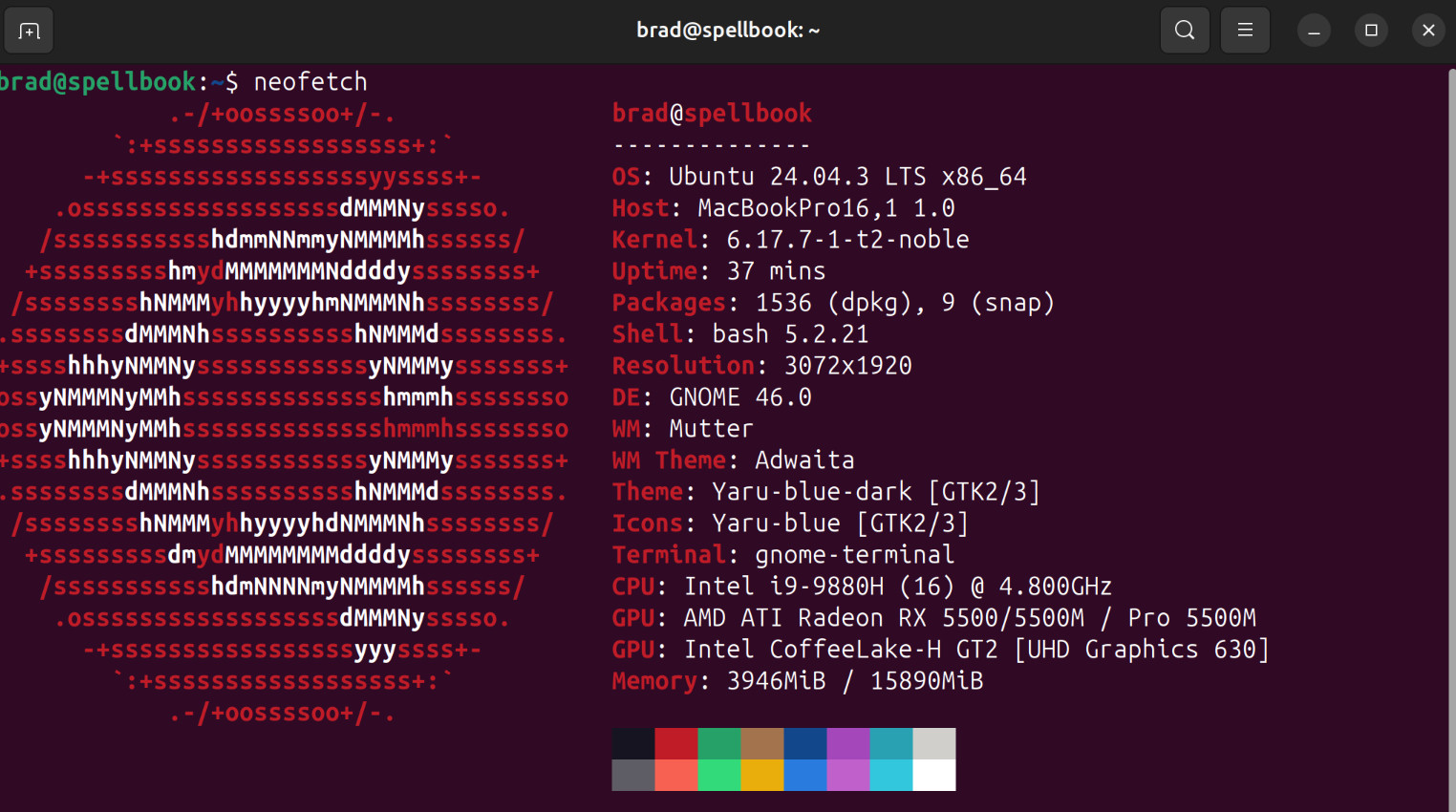
Installation Notes
Ubuntu
I don’t normally run Ubuntu as a desktop, but it’s what I’m most familiar (vs Fedora & Arch) out of the options with T2 builds .
Initial Setup
- Install OS Ubuntu documentation
- Drivers offline script
get-apple-firmware get_from_macosworked - no issues with BT/WiFi - Fan runs at 100% until
sudo apt install t2fanrd && systemctl enable --now t2fanrd - Video Install non-free packages & codecs once online:
sudo apt install ubuntu-restricted-extras vlc ffmpeg - Audio the 16” MBP can use this experimental profile - greatly improved audio quality!
- Touch Bar - works out of the box, install
tiny-dfrto customize - Samba Sharing followed docs
- Fix Sleep?
sudo bash;echo "s2idle" > /sys/power/mem_sleep - Disable gnome-tracker indexing this is thrashing my CPU and causing a lot of problems, hard to disable tho so:
sudo chmod -x /usr/libexec/tracker-*
Unresolved Issues
- Wiki switching to iGPU instructions didn’t work - it’s defaulting to AMD. There’s a github issue for this.
[!SEE ALSO…] Linux Desktop Setup